The DDDAC Diretta Series – Part 1: The Network Foundation
Introduction
I’m the first to admit I’m not the quickest when it comes to adopting new audio technologies. The same goes for Diretta as a transport protocol for my DDDAC streamer. Until now, I’ve been using an RPi5 with GentooPlayer, followed by a FiFoPi and HDMI / I2S output.
Recently I decided to take on the Diretta idea for transport between Roon and my DDDAC. In the meantime, a lot of software and hardware adventures lie behind me, so time to start writing about it!
What you can expect in this series of blog articles:
- Part 1: Crafting Audiophile Ethernet Cables (without the price tag)
- Part 2: Optimizing GentooPlayer: RPi 5-Tier 3 set up and Perfect Settings
- Part 3: Thinking Small: The Raspberry CM5 & Waveshare Dual Ethernet (PCIe) Solution
- Part 4: The Build: Creating a No-Compromise DDDAC Streamer
- Part 5: The Jumbo Frames Experiment: Do they matter?
- Part 6: I am sure something will pop up along the way…
Of course, every post in this series will be packed with detailed information, pictures, and listening tests. But for starters, let’s make sure we have a solid foundation. Since this project is all about superior network protocols, the physical connections need to be flawless.
Building your own quality ethernet cables
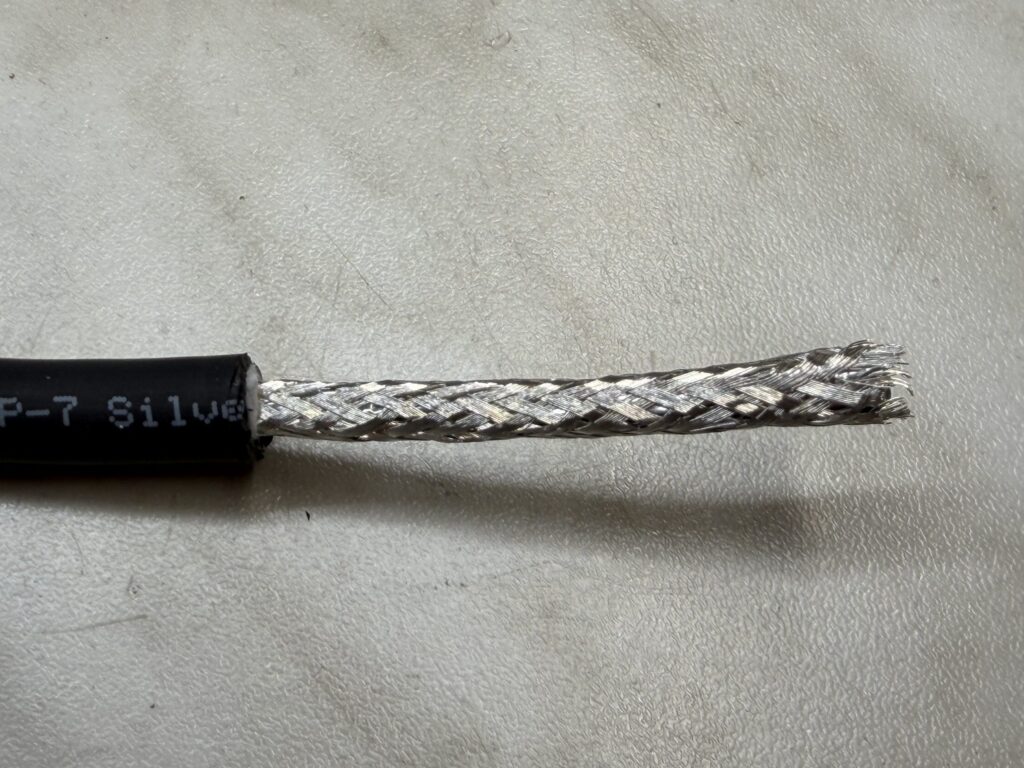
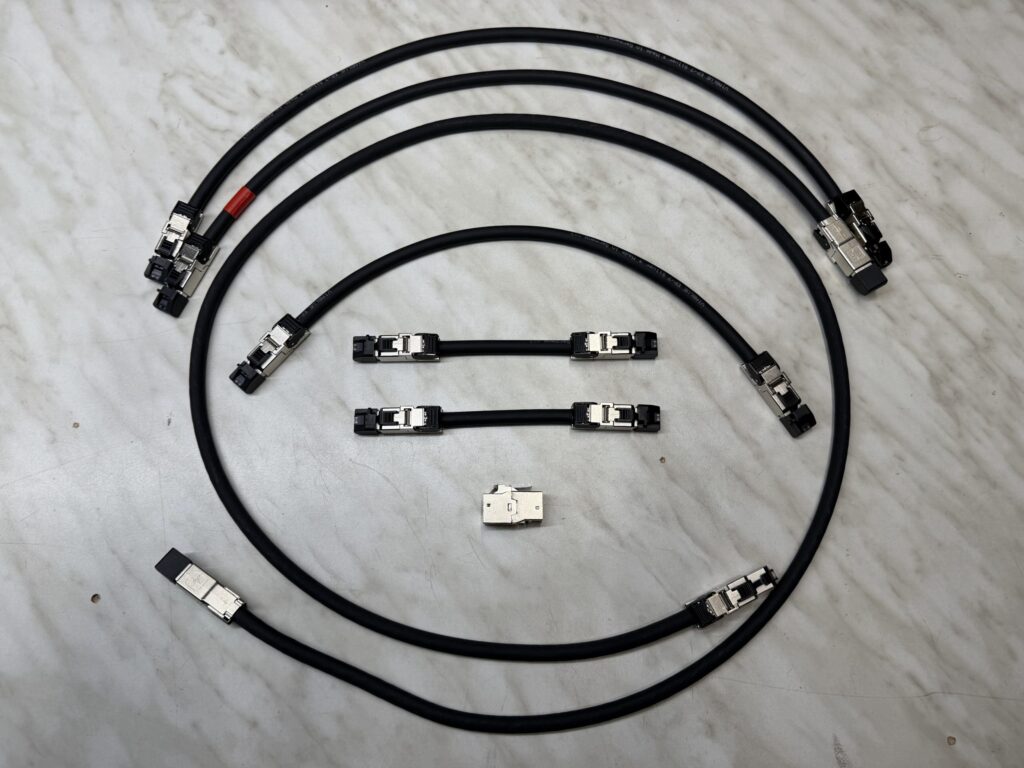
but NOT costing an arm and a leg! It should be top quality and affordable. I decided to use a quality cable from ViaBlue, the EP-7 Cat7. Tight silver shielding and very flexible as a whole. I needed 6 cables to connect the whole setup and spent a couple of hours on it. Those were well spent! For connectors, only Telegärtner are allowed through the door.
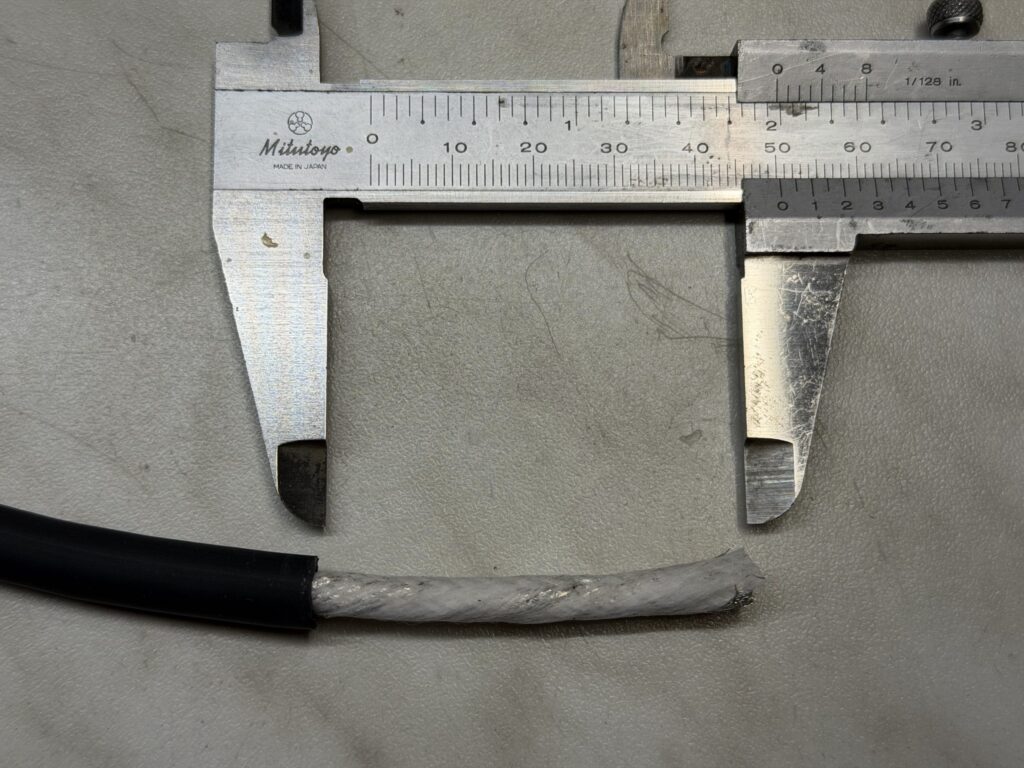
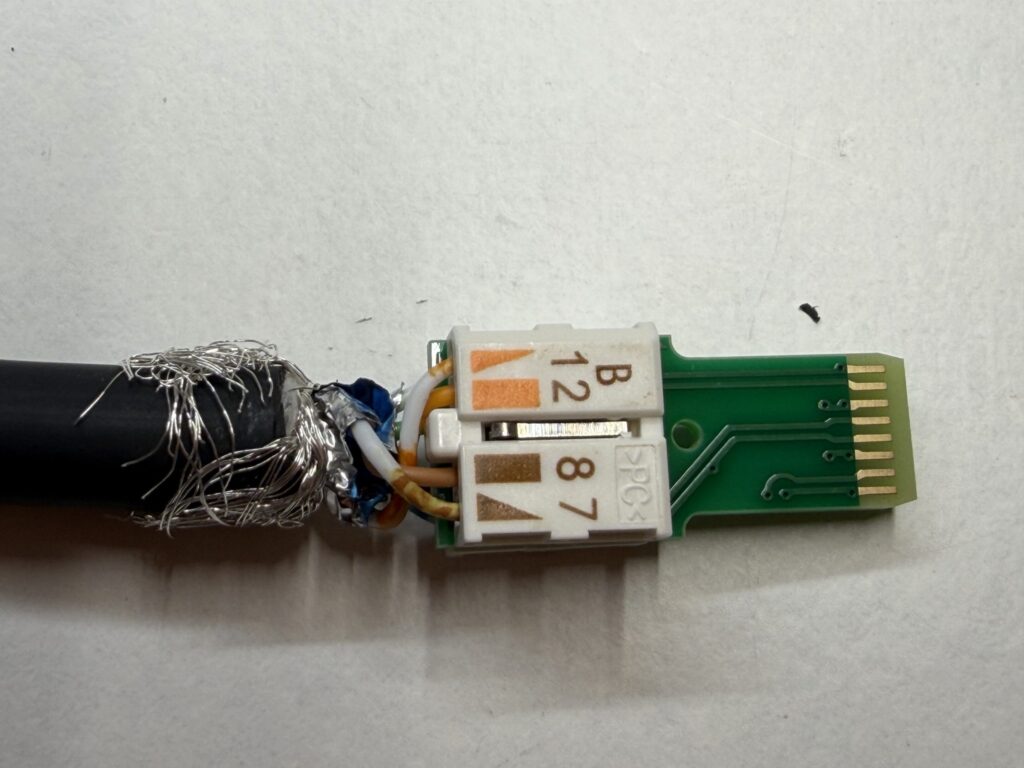
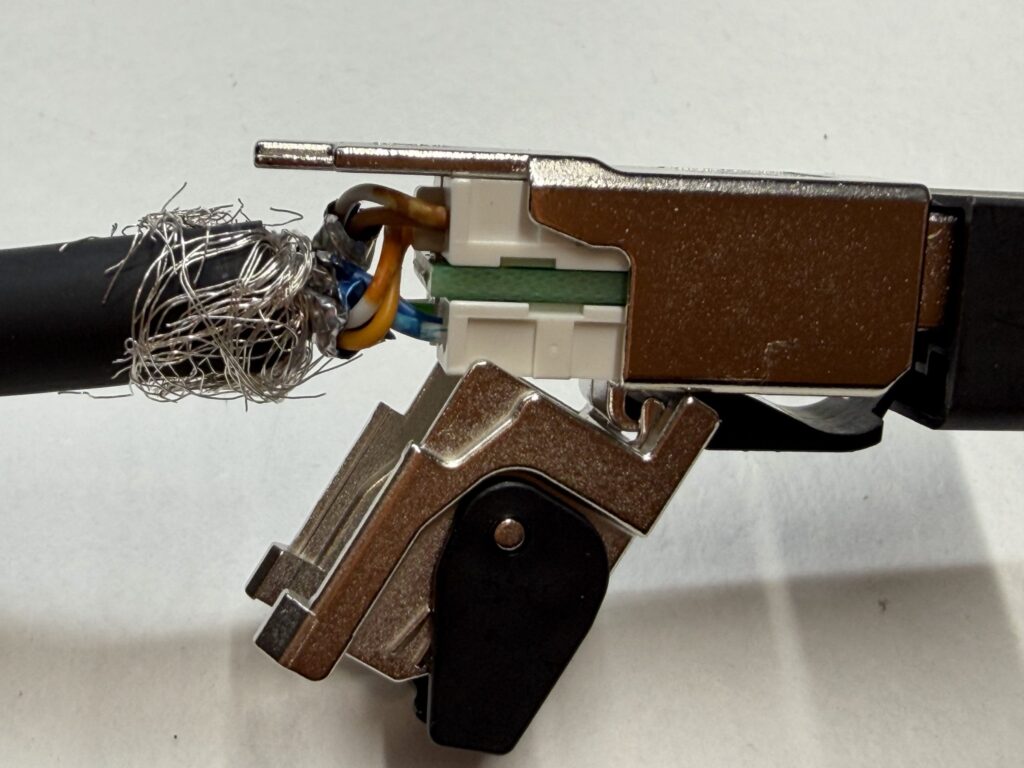
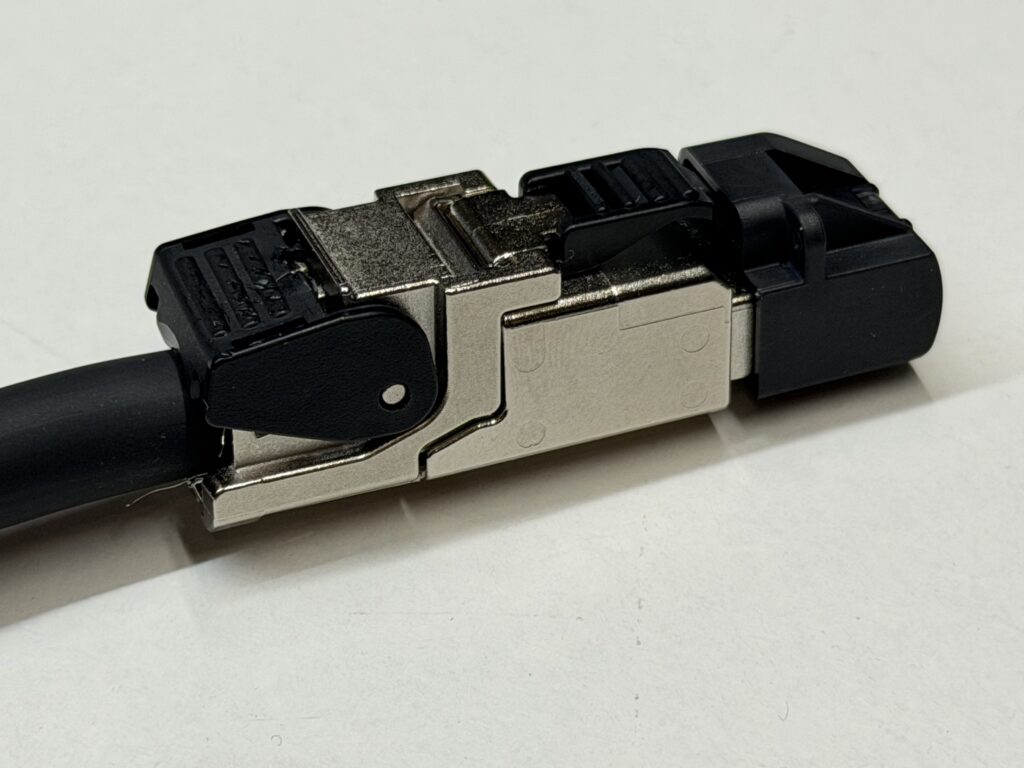
This series of pictures story will guide you through the process…
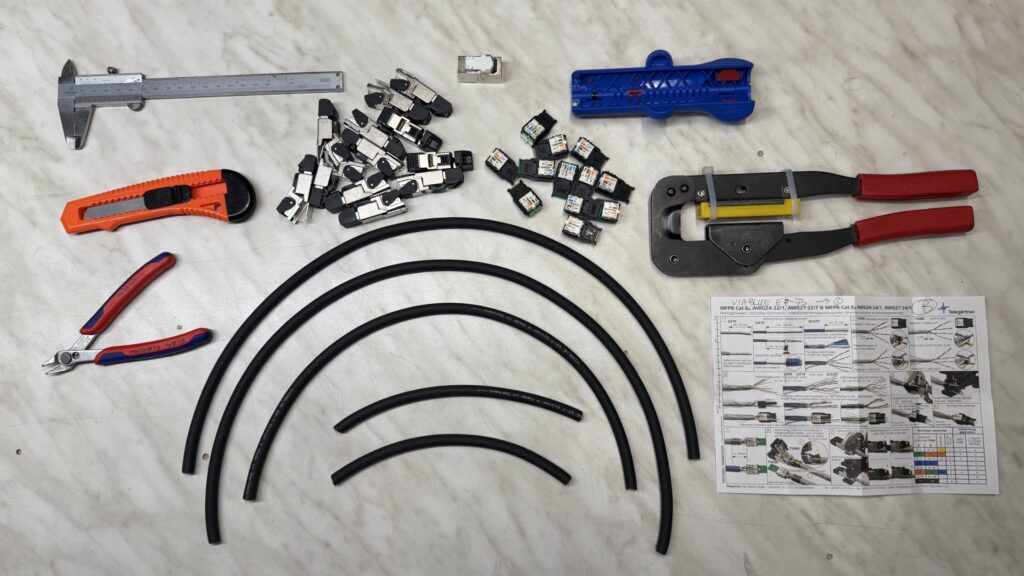
ViaBlue EP-7 Silver kabel 3.50 meter.
12 Connectors from Telegärtner. The MFP8 T568B. Excellent field configurable full metal part.
Tools you find in every household.
The rest is pretty self-explaining. Just take your time…
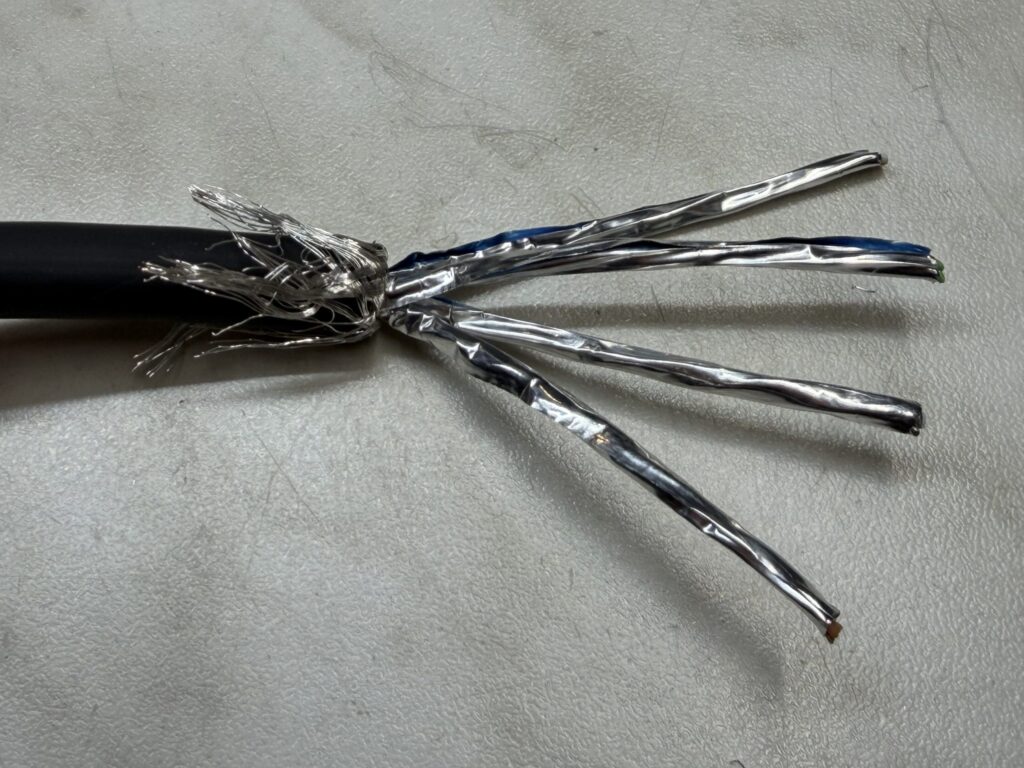
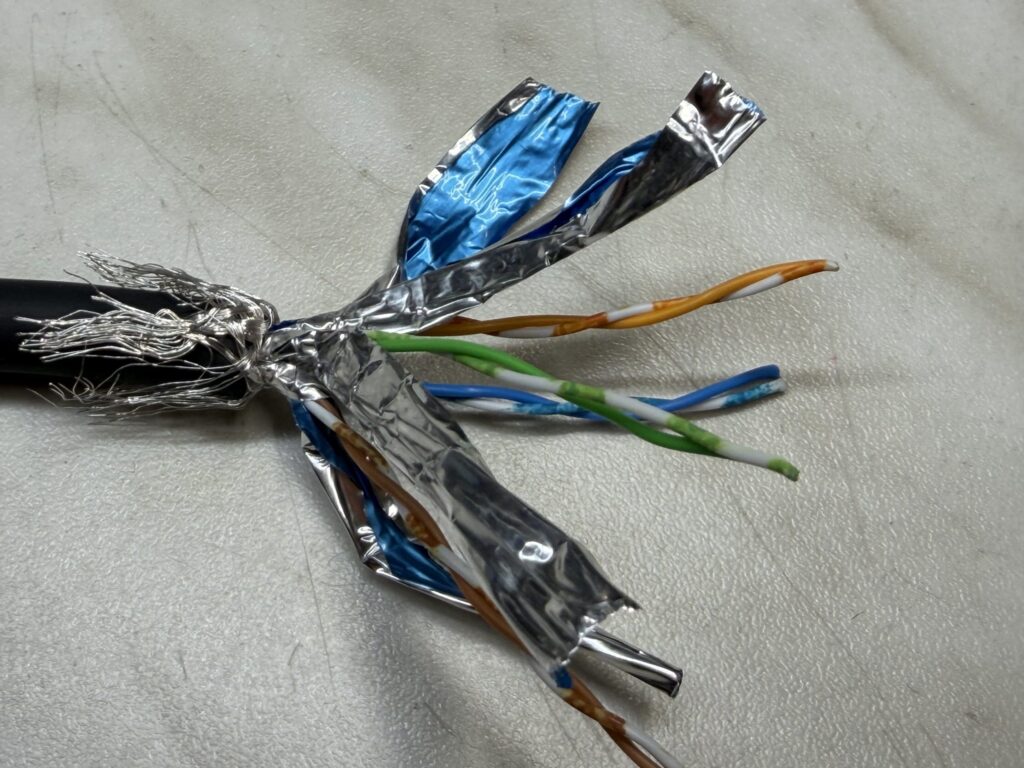
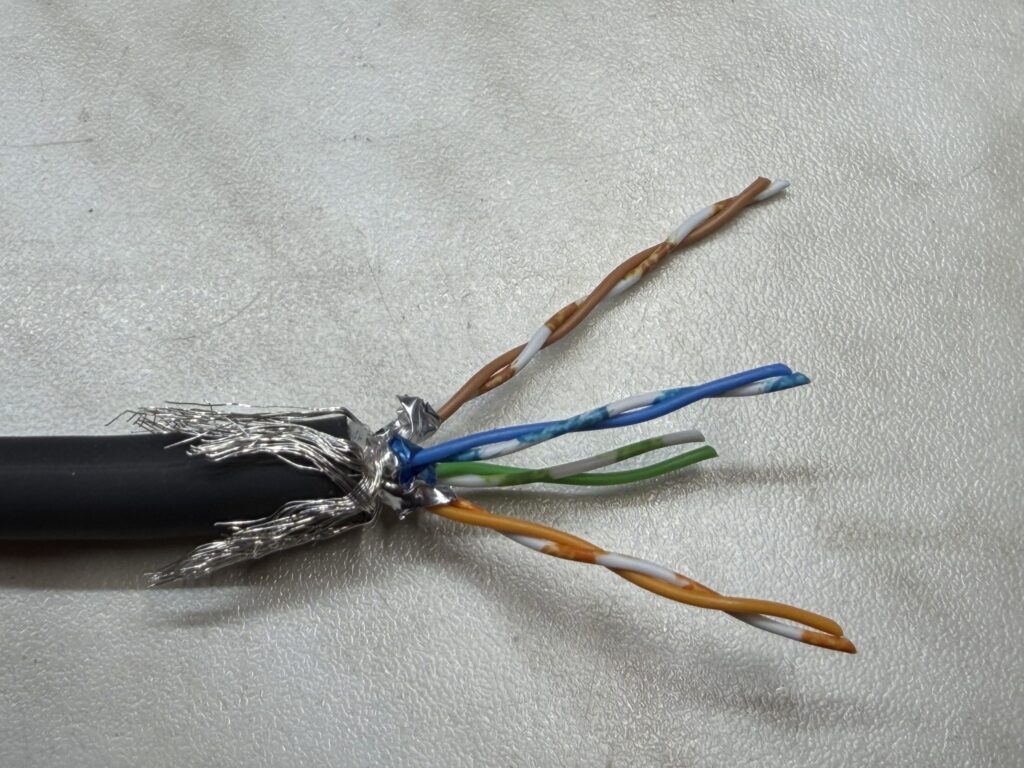
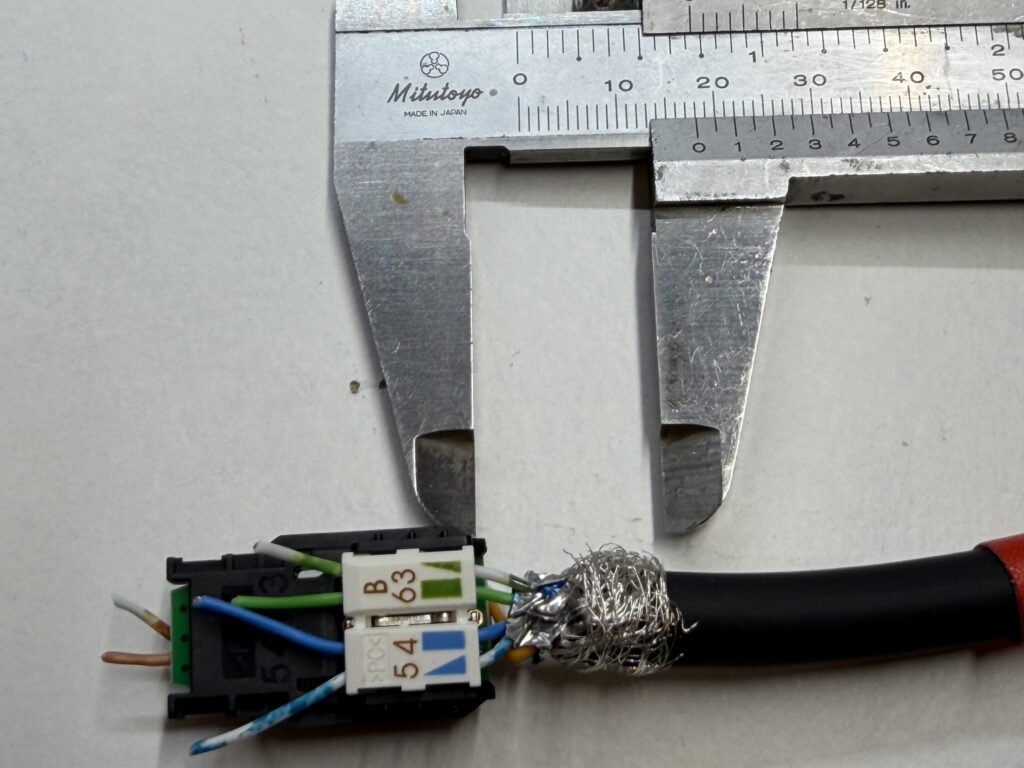
The Hardware Diretta Setup
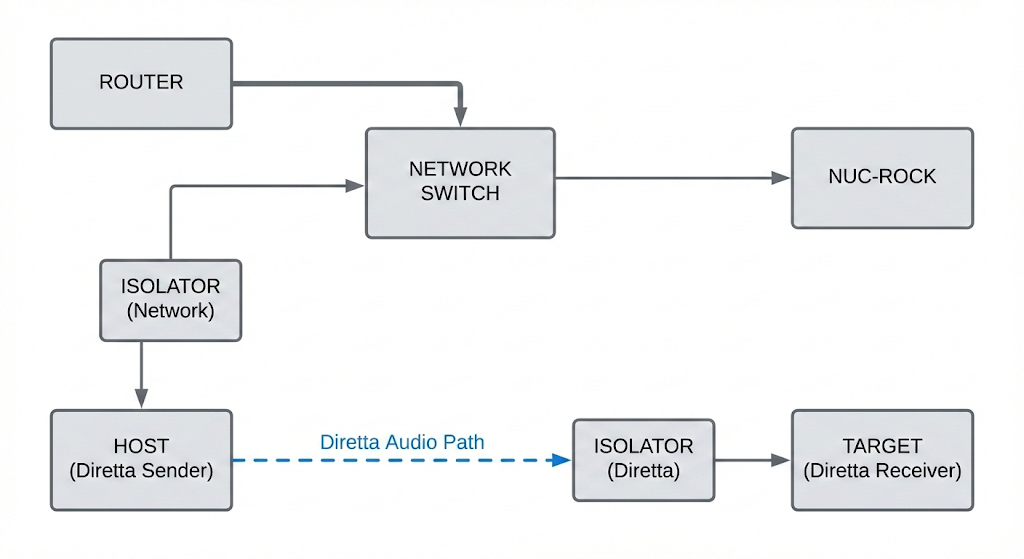
Of course, these cables need to be connected to something. Further below is the block diagram showing the connections between the Host, Target, Switch, Roon NUC-ROCK, and Router.
The chain starts from the Router to a Netgear ProSafe GS105 Switch (powered by a linear power supply). A small detail worth noting: here I also use a MeiCord Opal ethernet cable I had left over. It was a very hyped cable back in the day, but sadly no longer available. From the Switch, connections go to the NUC and Host. And finally, there is the dedicated Diretta connection between Host and Target.
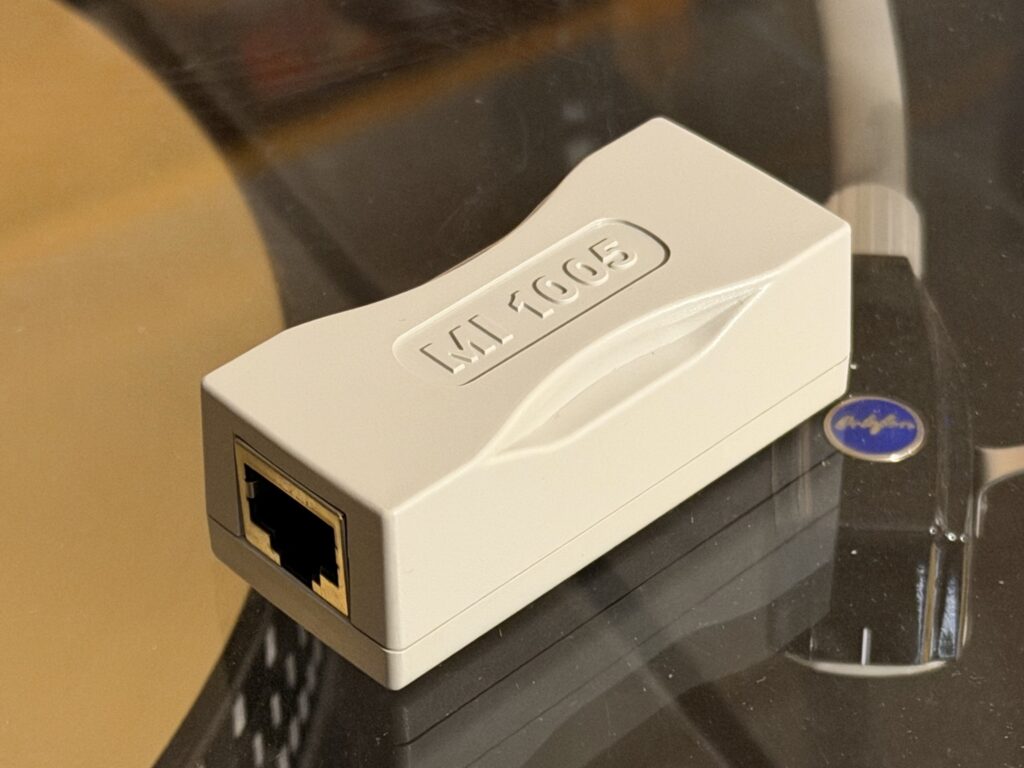
To ensure my mains-EARTH is completely disconnected from the RPi Host, and to prevent any earth loops between Host and Target, I use the MI 1005 isolator. In fact, I use two of them: one between the Switch and Host, and another between the Host and Target. The effect isn’t huge, but it is clearly audible. Definitely worth the small price.
Listening tests
Yes, the Viablue Telegärtner Ethernet cables… Everyone I discussed this with, told me, it will make a difference with 2 Euro cables. You guys were simply right. You can hear it. Again, no ‘curtains lifted’, but everything is just a tad cleaner and more pleasant to listen to. The soundstage is more stable. The cables are absolute keepers. And it feels good that I stayed well under 200 euros for the whole bunch.
So, a few extra cherries on the cake, with more to come. Stay tuned for the upcoming parts of this series.
Doede,
DDDAC